When every second matters,RakshaTag helps a stranger help you.
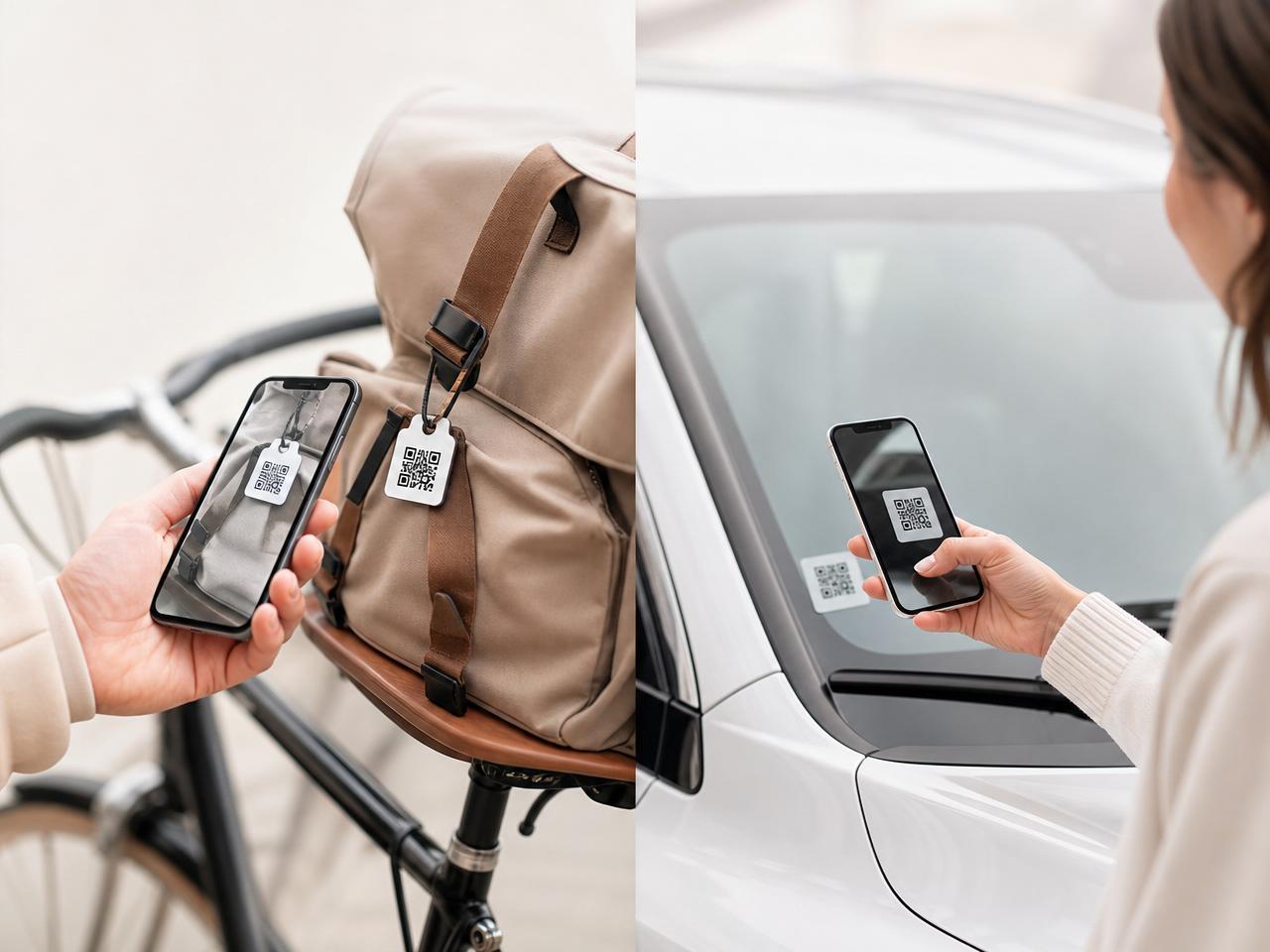
Activate your RakshaTag once. If someone scans it during an emergency or finds your belongings, they can instantly connect with your emergency contacts—without exposing your phone number.
Built for the moments that matter
A calm, private way to reach the people who care — the instant someone finds you or your belongings.
Instant Scan
Anyone can scan using their phone camera.
Emergency Contacts
Connect with the owner's emergency contacts in just one tap.
Privacy Protected
Phone numbers are never shown publicly.
Emergency Ready
Prepared for accidents and lost & found situations.
How RakshaTag Works
Four calm steps between a stranger's good intent and your people knowing you're okay.
- 1
Activate your RakshaTag
Scan your RakshaTag and complete the activation process.
- 2
Attach it
Place it on your vehicle or valuable belongings.
- 3
Someone Scans
A helper scans the QR code during an emergency or when something is found.
- 4
Get Connected
The helper can immediately connect with your emergency contacts.
I Own a RakshaTag
Activate and manage your RakshaTags, emergency contacts and account from one place.
I Found a RakshaTag
Simply scan the QR code. No login. No registration. Help someone in seconds.
What Happens After Someone Scans?
QR Code Scanned
The tag opens in the helper's browser — no app, no signup.
Owner's Name Displayed
Only the details you chose to share appear.
Emergency Contact Connect Option
A simple, private way to reach the people who care.
Helper can Call / Notify
One tap — numbers stay hidden throughout.
Emergency Contacts Receive Alert
With the situation, location and a way to respond.
Owner is Notified
You get a clear notification about the scan and follow-up.
Be prepared before an emergency happens.
Activate your RakshaTag in less than two minutes.